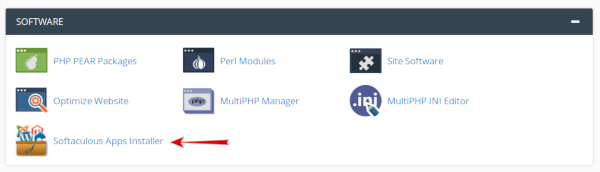
1- Login to cpanel.
2- Click on softaculous icon or go to software section and select wordpress icon.

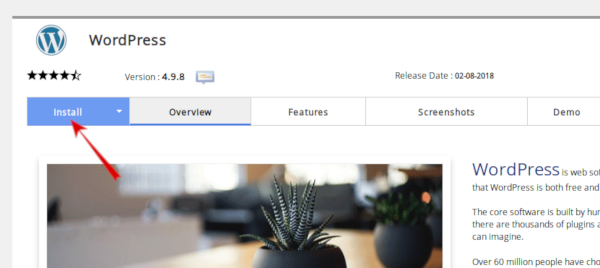
3- Click the Install tab at the top of the page.
4- Choose Domain select the Domain you want to install your WordPress on from the drop-down menu.
5- In Directory: To install only in http://mydomain/ leave this empty. The directory is relative to your domain and should not exist. e.g. To install at http://mydomain/dir/ just type dir
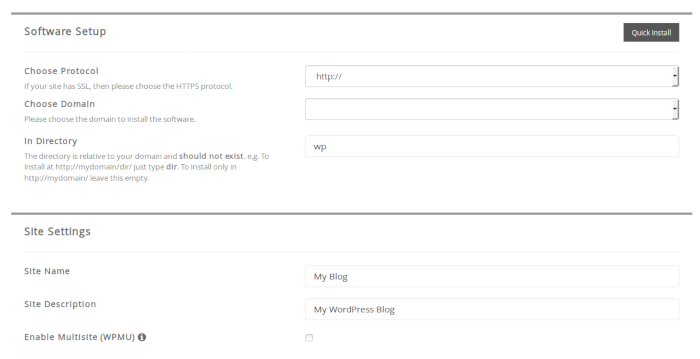
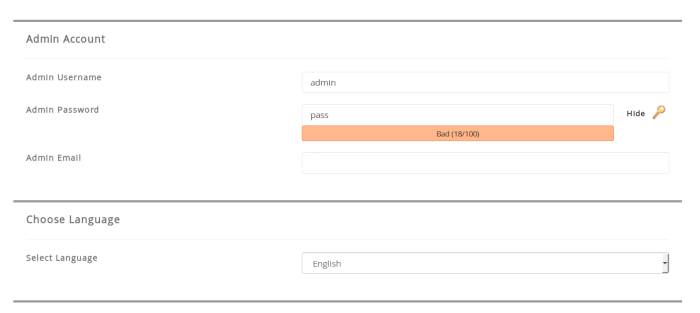
6- Enter the required fields for your site - title, description, administrative username and password, administrative e-mail etc. You should use a strong password to make sure your admin area is secure from bruteforcing attacks.
7- Select language
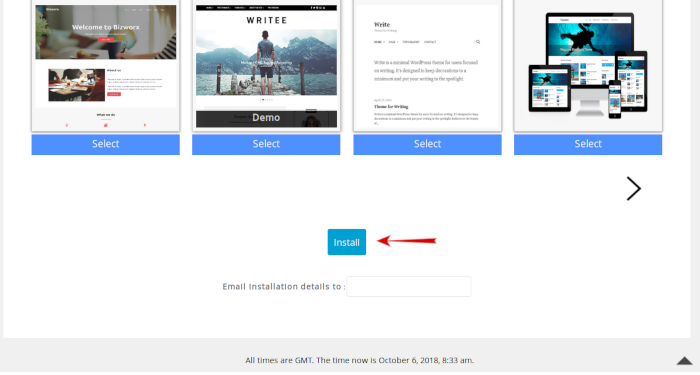
8- Click on the Install button.